If you're looking for a good photo editing app, you've probably come across plenty of options like Photoshop, Lightroom, Canva, and dozens of mobile applications. But which app is really the best fit for you?
The answer isn't the same for everyone. A photographer has different needs than someone who just wants to prepare their photos for Instagram. A graphic designer also needs different tools than an average user. In this article, we review the best photo editing and retouching tools based on use case, so you can make an easier choice.
🎨 What Are the Best Photo Editing Apps?
🖥️ 1. Photoshop; The Professional Choice for Editing and Design
When it comes to professional photo editing and graphic design, Photoshop is one of the most recognized tools. Photoshop isn't just an app for changing color or brightness; it also enables retouching, removing and adding elements, compositing multiple images, graphic design, and performing complex edits.
New AI-powered capabilities have also made many tasks that previously required lengthy steps much faster. For example, Photoshop offers tools for removing or adding elements and generative edits.
If you're a graphic designer, want to learn professional photo editing, or work with advertising and visual content production, learning Photoshop can be a valuable skill.
📸 2. Lightroom; The Best Choice for Photography and Color Correction
Lightroom is mostly known for photography and managing and correcting images. If you have a large number of photos and want to systematically correct light, color, contrast, and the overall look of your images, Lightroom can be a very good choice.
This software offers tools for adjusting light and color, using presets, selecting specific parts of an image, and even AI-powered capabilities. Adobe also offers Lightroom editing on mobile, desktop, and web.
So if your goal is more about photo color correction, light adjustment, creating a specific style, and processing large numbers of images, Lightroom is usually a more logical choice than Photoshop.
📱 3. Best Photo Editing Apps for Mobile
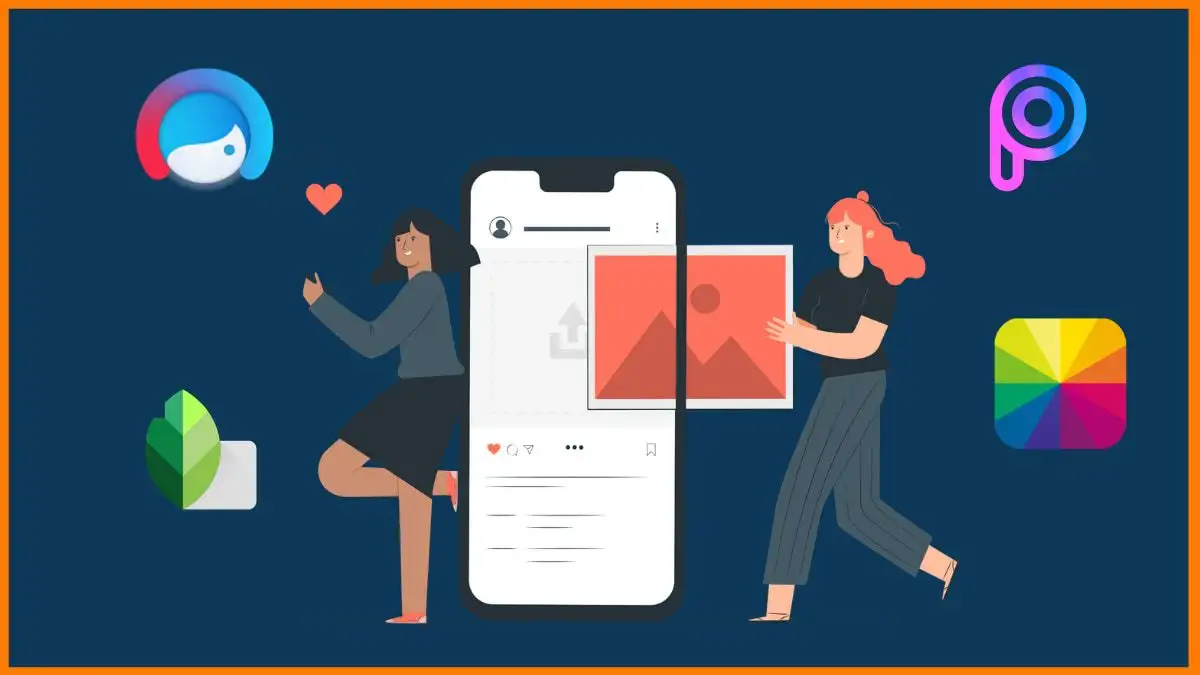
If you mostly shoot with your phone, you don't necessarily need a PC for photo editing. Today's apps offer excellent features for color correction, lighting, filters, retouching, and preparing photos for social networks.
🖼️ 4. Canva; A Great Choice for Quick Design
Canva is more of a design and visual content creation tool than a specialized photography app. That's why it's very useful for people who want to quickly create a professional design without dealing with complex tools.
With Canva, you can edit photos, remove backgrounds, change image elements, apply filters, and then place the image inside a graphic design. Canva's current tools even offer features like removing or replacing elements and backgrounds with the help of AI capabilities.
If your goal is designing Instagram posts, stories, banners, ads, or social media content, Canva can be a very easy starting point.
🆓 5. Free Photo Editing Apps
If you don't want to spend money to get started, there are various free options. Choosing a free app depends on exactly what you want to do.
- Snapseed: Great for fast and practical editing on mobile.
- Canva: Great for quickly designing visual and social media content.
- GIMP: A free option for editing and design on PC.
- Lightroom: For those looking for more professional photo correction tools, depending on the features and terms of the relevant version.
🎯 Photoshop or Lightroom: Which Is Better?
These two programs aren't direct competitors in the literal sense, because each performs better in a different part of the image editing process.
Adobe also presents Photoshop for major changes and image compositing, and Lightroom for faster editing and managing and correcting photos.
📲 Which App Is Best for Editing Instagram Photos?
If you create content for Instagram, your tool choice depends on the type of content. If the original photo needs color and light correction, Lightroom is a good option. If you want to add design, text, icons, or graphic elements to the image, Canva or Photoshop will be more useful.
In fact, for professional content creation, you don't always need to use just one app. Combining several tools can produce a much better result; for example, first correct the photo in Lightroom, then bring it into Photoshop or Canva for the final design.
✨ 7 Tips to Make Your Photo Editing Look More Professional
- Don't overdo the editing: A natural photo usually looks better than an image that's been over-sharpened or over-saturated.
- Fix light before color: First adjust exposure and contrast, then move on to color.
- Keep colors consistent: Having a consistent color style makes your content look more professional and cohesive.
- Maintain proper resolution: Before exporting, determine the final dimensions and quality of the image based on where it will be published.
- Use presets wisely: A preset can be a good starting point, but you usually need to adjust its settings for each photo.
- Don't forget the purpose of the image: Advertising, portrait, product, and Instagram content photos shouldn't necessarily be edited in the same style.
❓ Frequently Asked Questions
What is the best photo editing app?
For professional and composite photo editing and design, Photoshop is one of the most powerful choices; for managing and color correcting large numbers of photos, Lightroom is a very suitable option.
What is the best photo editing app for phones?
For fast and professional editing on mobile, you can use Lightroom and apps like Snapseed, and the final choice depends on the type of editing you need.
Are there free photo editing apps?
Yes, various free apps and tools exist for photo editing, and some of them offer considerable features.
Is Photoshop better or Lightroom?
If your goal is design, compositing multiple images, retouching, and complex changes, Photoshop is the more suitable choice; Lightroom is more useful for managing and correcting color and light in photos and processing large numbers of images.
Which app is suitable for editing Instagram photos?
Depending on the type of content, Canva for designing posts and graphic content, and Lightroom or Photoshop for professional editing of the photo itself, are suitable options.
What is the best photo editing app for beginners?
Canva and some mobile applications are suitable for starting due to their simple user interface, while Photoshop has more features but takes more time to learn.
Can you edit photos professionally with a phone?
Yes, today's mobile apps offer advanced features for correcting light and color, using presets, removing certain elements, and retouching.
What app should we use for designing Instagram posts?
Canva is a suitable option for quickly designing posts, stories, and graphic content, and for more complex designs, Photoshop can be used.
🎨 Professional Design Is More Than Just Photo Editing!
If you need professional design and visual content production for your brand, business, or social networks, the Vanguard team can be by your side on the path of design and digital marketing.
📩 Consultation and More Information